Secure by design
No scripts, no external links, no iframes. Every resource lives inside the file.
Web Document combines fixed-page precision with interactive forms and portable annotations - all inside one secure, self-contained file.
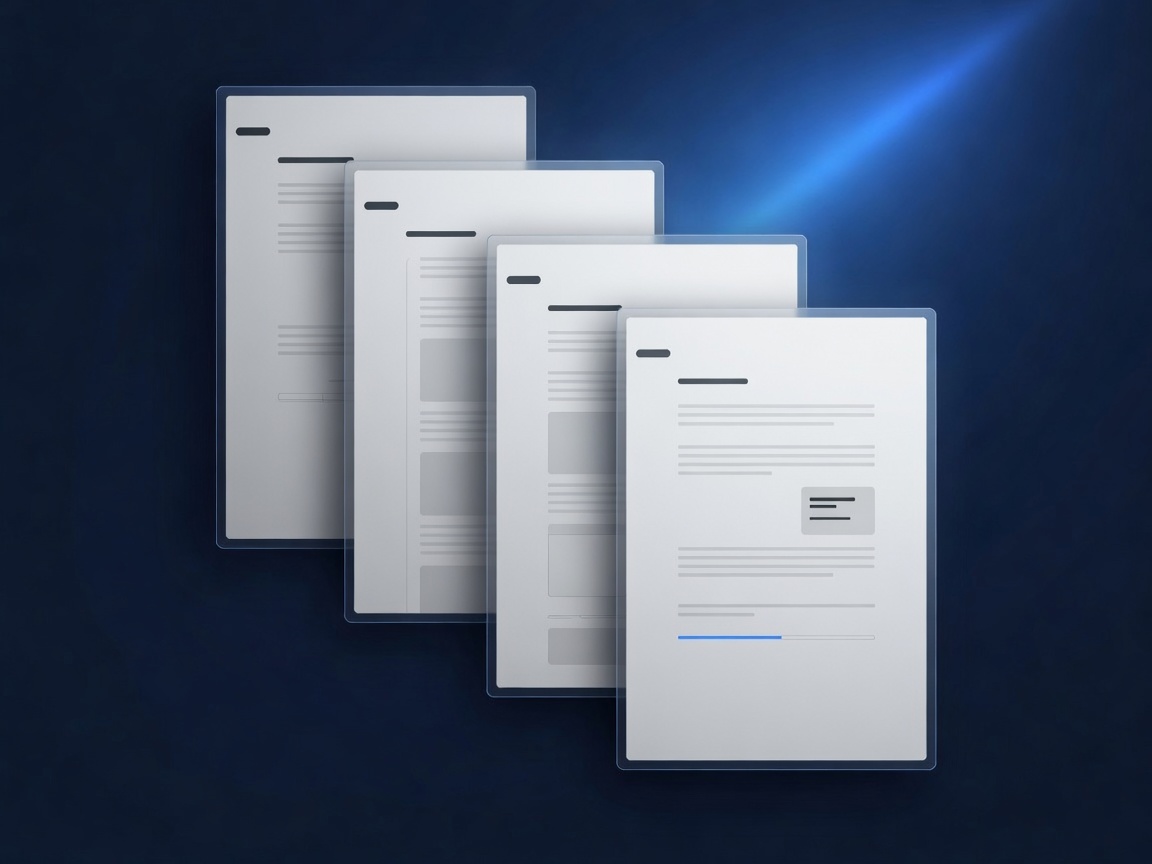
Web Document (.webd) is an open, archive-based document format designed for fixed-page documents. It packages HTML and CSS with embedded assets (images, fonts, media) and metadata into one secure, portable file.
No JavaScript. No external links. No iframes. Every resource lives inside the file.
Fixed pages mean documents look identical on every screen and when printed.
Fill forms, add annotations, and save - everything stays inside the same .webd file.
No scripts, no external links, no iframes. Every resource lives inside the file.
Fixed pages mean documents look identical on every screen and when printed.
Standard HTML form fields. Fill them out, save the file, and the data travels with it.
Highlight, underline, strikethrough, comments, and freehand drawings. Stored separately.
Full-text search across every page. Semantic HTML supports screen readers and read-aloud.
Everything - text, layout, assets, and user data - lives in one .webd file.
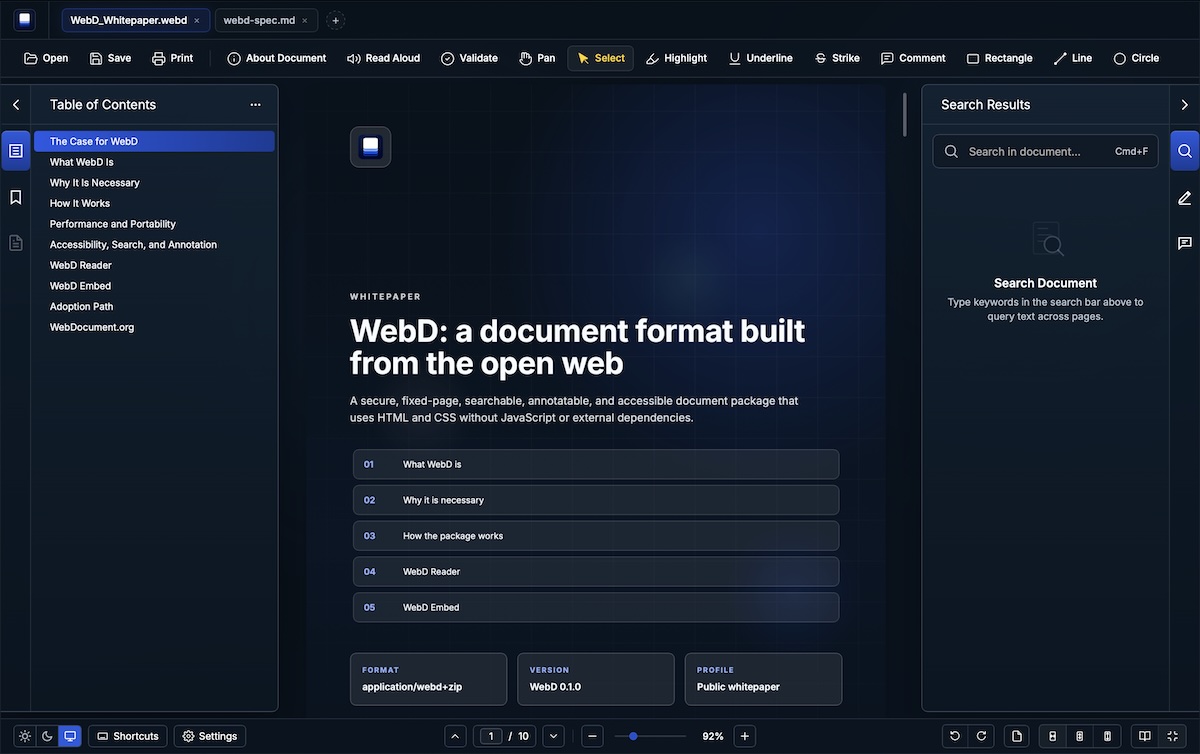
Download a sample .webd file and open it in WebD Reader (desktop or online) to explore the format hands-on.
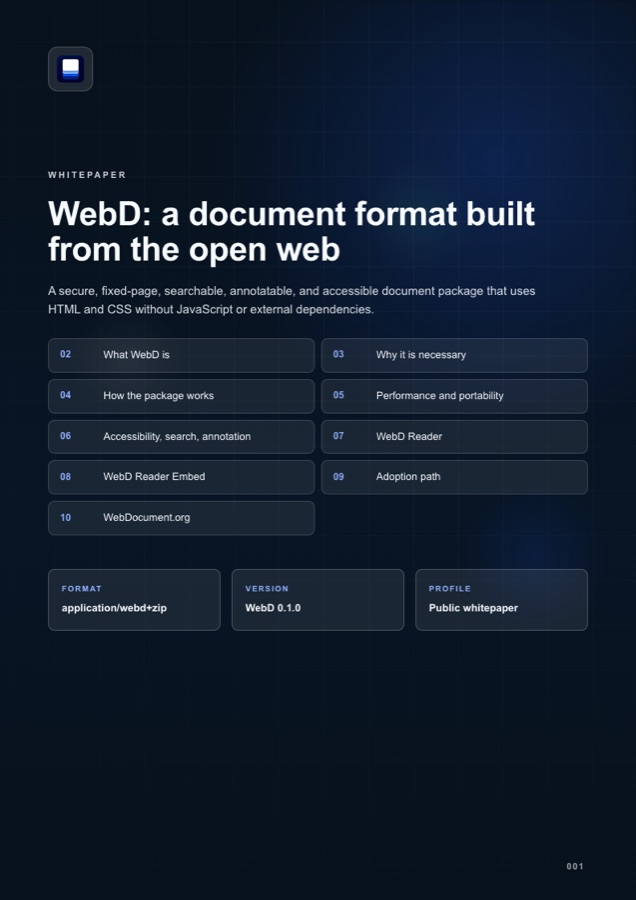
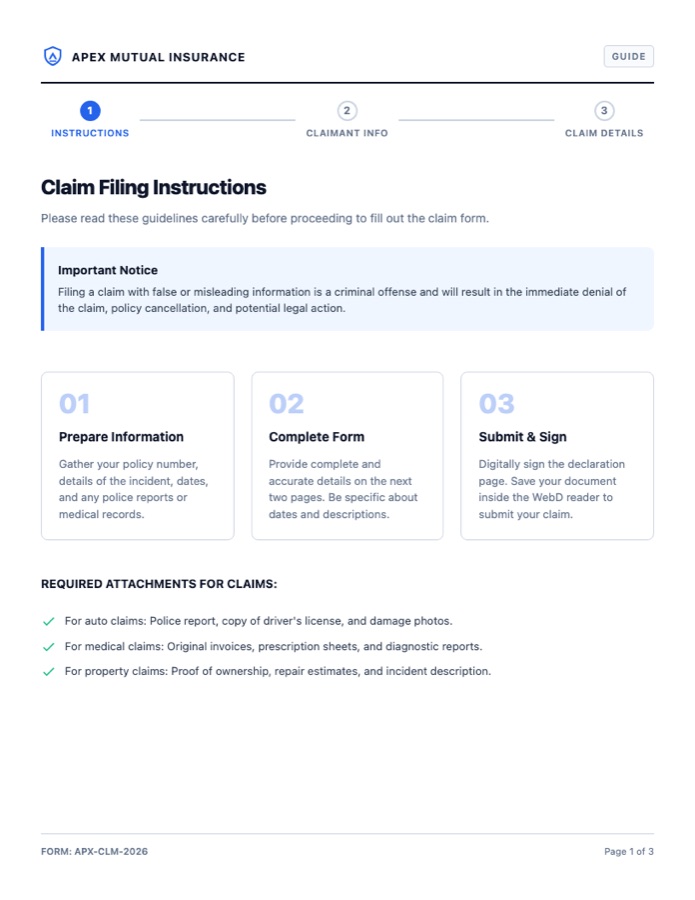
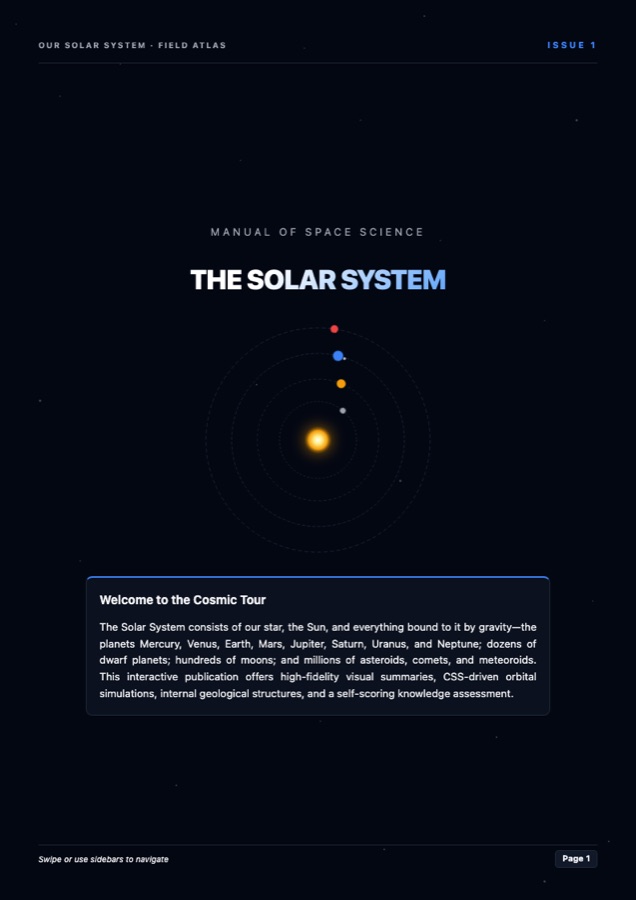
The desktop application for .webd files.
Free to use under the End User License Agreement.
WebD Reader Online brings the reader experience to a web app, so people can inspect, search, and review .webd files without installing the desktop application.
Use is subject to the Terms of Service.
You don't need special software. Just prompt your preferred LLM using the official Web Document specification.
Using the WebD format specification at
https://raw.githubusercontent.com/webdocument/webd-spec/refs/heads/main/webd-spec.md
create a valid .webd package (fixed-layout HTML/CSS, no document JavaScript).

Title: Q3 Strategic Priorities 2026
Author: Strategy Team
Page size: A4, portrait
Pages: 6

Include:
- Cover page
- Executive Summary
- Key Objectives (table)
- Risks & Mitigations
- Timeline
- Conclusion

Follow the package layout in the spec (index.html, styles.css, metadata.json; multi-page content under pages/ as needed). Professional restrained design, clear headings, good margins, one accent color.Using the WebD format specification at
https://raw.githubusercontent.com/webdocument/webd-spec/refs/heads/main/webd-spec.md
create a valid 4-page .webd product brochure. Embed all assets inside the package (prefer assets/); no external URLs; no document JavaScript.
Title: Aether Pro - Product Overview 2026
Author: Aether Labs
Attached assets (include them in the package):
- logo.png (company logo)
- hero.jpg (main product photo)
- features-1.jpg, features-2.jpg
- spec-table.png
Pages:
1. Cover with logo + hero
2. Product highlights with images
3. Detailed features
4. Technical specs + contact
Modern dark color scheme, generous whitespace, elegant typography. Follow the spec package structure (index.html, styles.css, metadata.json, pages/, assets/).Prefer structured authoring? Install the open webd skill in any AI coding agent that supports skills—so it can create, pack, validate packages, and extract filled form data.
webd-skillgit clone https://github.com/webdocument/webd-skill.git
# copy or symlink into your agent's skills directory
cp -R webd-skill <skills-dir>/webd
<skills-dir> is your
platform’s skills folder (e.g. ~/.claude/skills,
project .agents/skills). See the
skill README for details.
WebD Reader Embed is a lightweight, view-first library for embedding .webd files in your own apps — with the same package validation and controlled rendering model used by the full readers.
Embed statements, policies, and customer documents inside secure account portals — fixed layout, no install required.
Load a WebD file or extracted package data through a controlled application path.
Sanitize HTML, scope CSS, block scripts and remote resources, then render fixed pages.
Choose whether to expose search, navigation, annotation display, or read-only viewing.